Dashboard
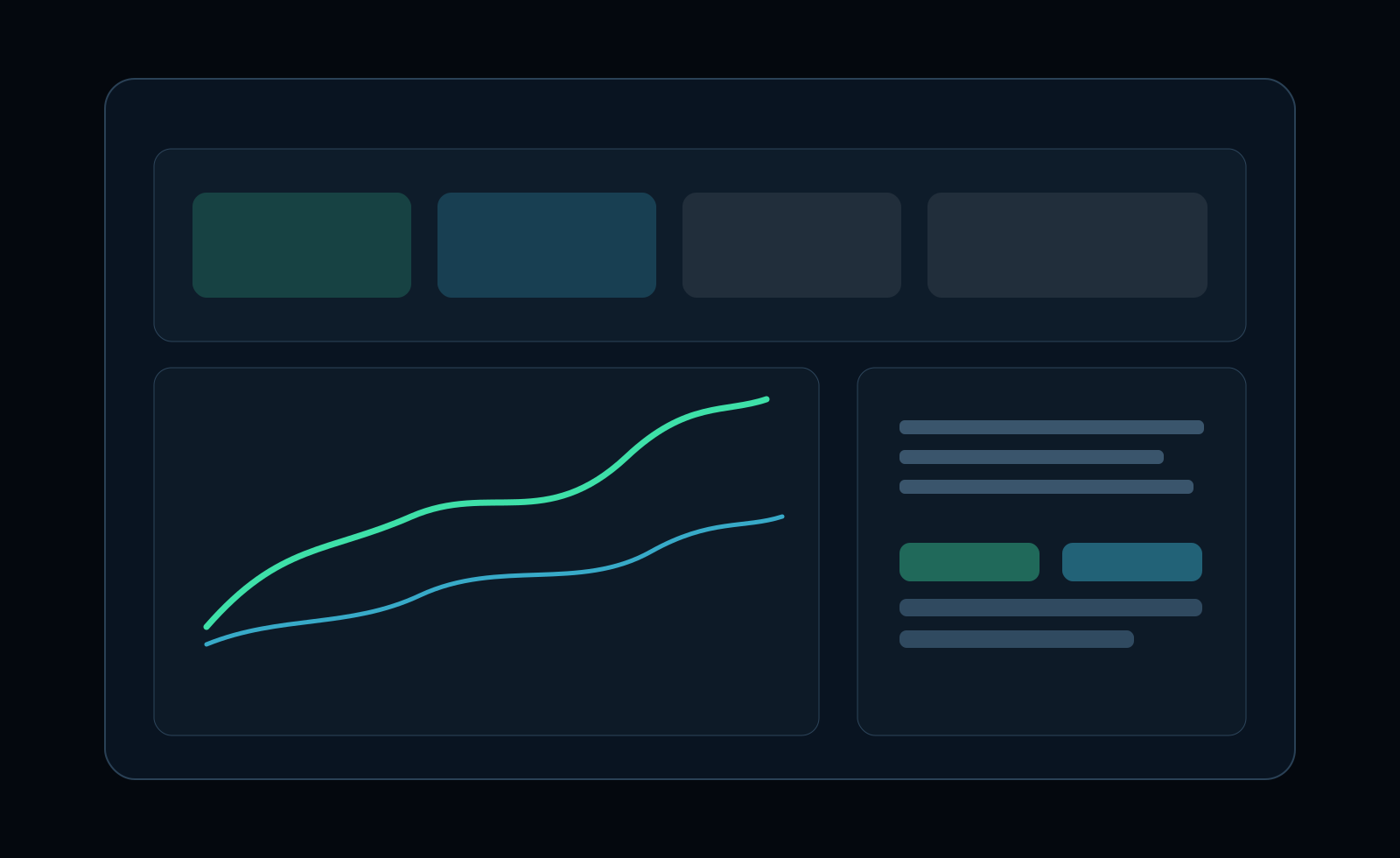
The dashboard gives you a high-level view of trading outcomes and process quality for a selected date range.
KPI blocks in depth
Section titled “KPI blocks in depth”Win Rate
Section titled “Win Rate”- Formula:
winning trades / total trades - What it shows: hit frequency, not outcome quality.
- Important: a high value can still lose money if average losses are too large.
Gross and Net PnL
Section titled “Gross and Net PnL”- Gross PnL: result before fees and trading costs.
- Net PnL: result after fees and costs.
- What to monitor: increasing gap between gross and net often points to overtrading, poor sizing, or too much low-quality activity.
Profit Factor
Section titled “Profit Factor”- Formula:
gross profit / gross loss - Interpretation:
- around
1.0: break-even zone - below
1.0: strategy loses over the selected period - clearly above
1.0: edge is present, but still check drawdown and sample size
- around
- Use with caution: very small sample sizes can make this look artificially strong.
Drawdown
Section titled “Drawdown”- What it shows: the worst equity decline from a prior peak in the selected period.
- Why it matters: this is your stress and risk tolerance metric, not just a number.
- Review angle: compare drawdown to net PnL; if drawdown grows faster than net PnL, risk efficiency is deteriorating.
Expectancy
Section titled “Expectancy”- What it shows: expected value per trade over the selected sample.
- Interpretation:
- positive: edge per trade is positive
- near zero: results rely on noise and timing luck
- negative: current execution or setup quality is not sustainable
- Best use: validate process changes after enough new trades are logged.
KPI relationships that matter
Section titled “KPI relationships that matter”Read KPIs as a system, not as isolated values:
- High Win Rate + weak Profit Factor: winners are too small or losers too large.
- Strong Profit Factor + deep Drawdown: edge exists, but risk delivery is unstable.
- Positive Expectancy + flat/negative Net PnL: costs or execution discipline are likely eroding the edge.
- Rising Net PnL + falling Expectancy: performance may be driven by a few outsized trades, not repeatable quality.
Process analysis sections
Section titled “Process analysis sections”Performance and equity
Section titled “Performance and equity”- Equity curve progression
- Winner vs loser behavior
- Gross vs net comparison
Process quality diagnostics
Section titled “Process quality diagnostics”- Streak behavior (trades and days)
- Hold-time metrics
- Calendar, weekday, and hour breakdowns
- Symbol and ruleset performance splits
Use these sections to find the cause behind KPI moves. A KPI tells you what changed; diagnostics tell you why.
Date filtering workflow
Section titled “Date filtering workflow”- Set a custom from/to range.
- Compare with presets such as current month or all time.
- Revisit metrics weekly to detect drift early.
Practical review routine (10-15 minutes)
Section titled “Practical review routine (10-15 minutes)”- Start with Net PnL, Profit Factor, and Drawdown together.
- Check if Expectancy confirms the same direction.
- Open weekday/hour/symbol splits to identify concentration risk.
- Mark one weak pattern to fix in the next trading block.
- Re-check after 20-30 additional trades instead of reacting after every session.