
Installation
Requirements
Section titled “Requirements”- macOS 13 or newer, or Windows 10+
- Write access to your user folder
- Download of the matching installer from the Download page
Which file should I choose?
Section titled “Which file should I choose?”- Apple Silicon (M1/M2/M3+):
*_aarch64.dmg - Intel Mac:
*_x64.dmg - Windows (x64):
*_x64-setup.exe(alternative:*_x64_en-US.msi)
Step by step
Section titled “Step by step”- Download the latest version from the Download page.
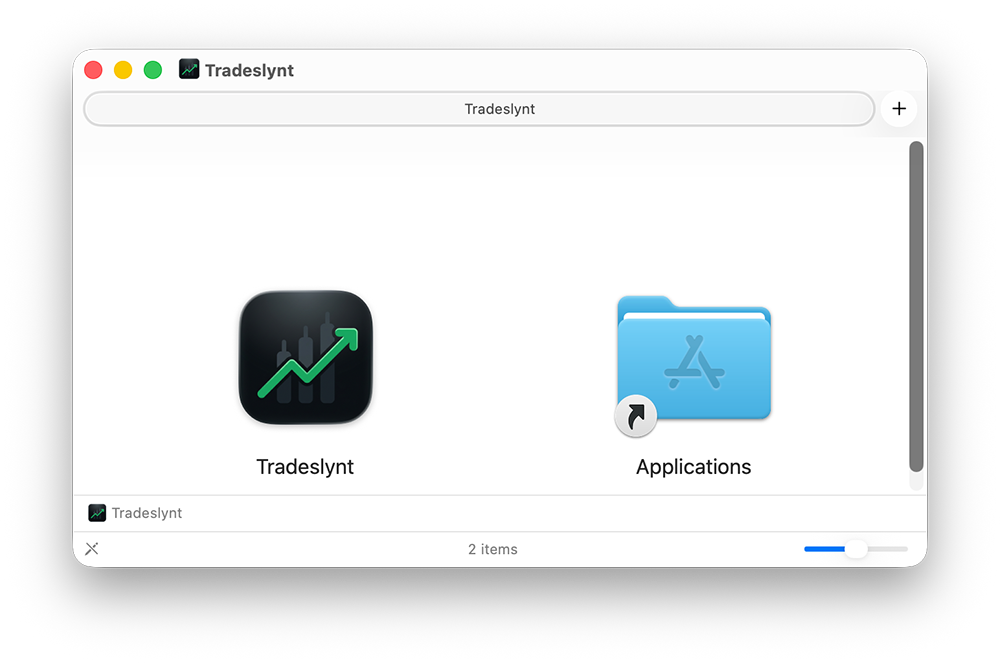
- On macOS, open the
.dmgand dragTradeslynt.appinto Applications. - On Windows, run the installer (
.exeor.msi) and complete the setup wizard. - Launch the app once manually after installation.
- If macOS shows a security prompt, allow the launch in System Settings.
Next step
Section titled “Next step”Continue with First Trade to set up your journal.